Pick a Studio or Describe Your Scene
Choose one of 7 deterministic 2D engines—or type your idea in the router above to jump straight in.
Skip After Effects and cloud render queues. Pick a template or describe your scene below to launch the studio and export crisp MP4 clips locally in ~1s.
Hover any card to preview real Canvas 2D motion, then open the full studio to customize copy, aspect ratio, and export format.
Lock an anchor keyword dead-center across rapid-fire editorial frames with customizable cuts per second, zoom, blur, and shutter sound effects.
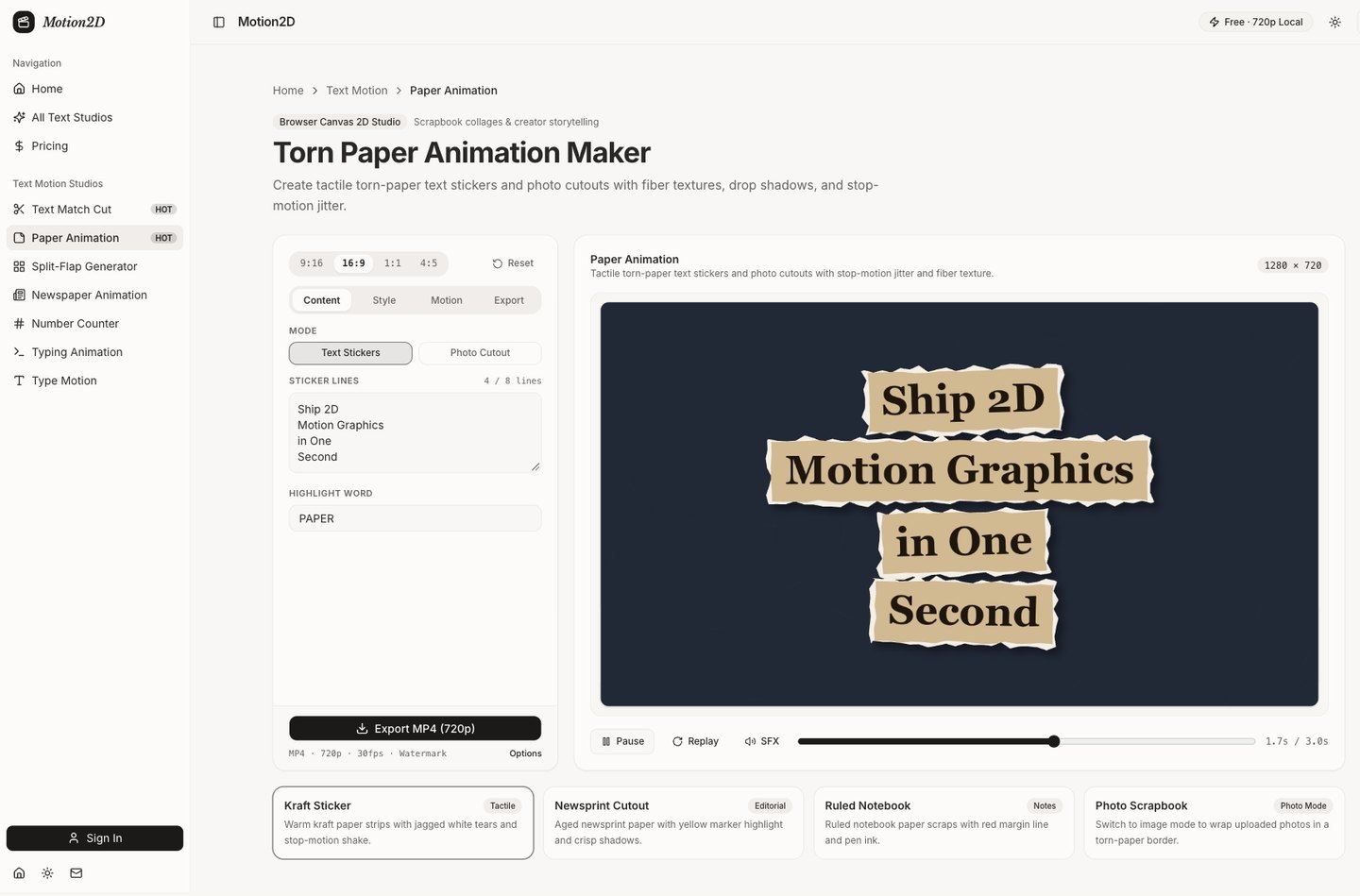
Create tactile torn-paper text stickers and photo cutouts with fiber textures, drop shadows, and stop-motion jitter.
Build retro airport departure boards with multi-screen transitions, wave stagger delays, and mechanical click audio.
Generate multi-column vintage newspaper layouts with animated camera pans and marker highlights on key headlines.
Animate KPIs, revenue milestones, and percentages with staggered digit rollers, currency prefixes, and transparent backgrounds.
Produce realistic multi-line typewriter clips and rotating phrase loops with custom cursors, jitter, and mechanical keystrokes.
Design kinetic typography sequences with enter, hold, and exit timelines across 8 curated motion templates.
Jump straight into any specialized studio or compare all 7 browser-native 2D motion engines in one hub—complete with live presets, sound previews, and transparent NLE exports.
Every frame renders deterministically on your device—no cloud queue, no garbled typography, and no asset uploads.
Local 720p H.264 MP4 export
100% in-browser Canvas 2D privacy
4 creator aspect ratios (16:9, 9:16, 1:1 & 4:5)
Pick a studio, dial in typography and pacing live, and export locally without leaving your browser.
Choose one of 7 deterministic 2D engines—or type your idea in the router above to jump straight in.
Adjust headlines, paper tears, flip timing, colors, and switch between 16:9, 9:16, 1:1, or 4:5.
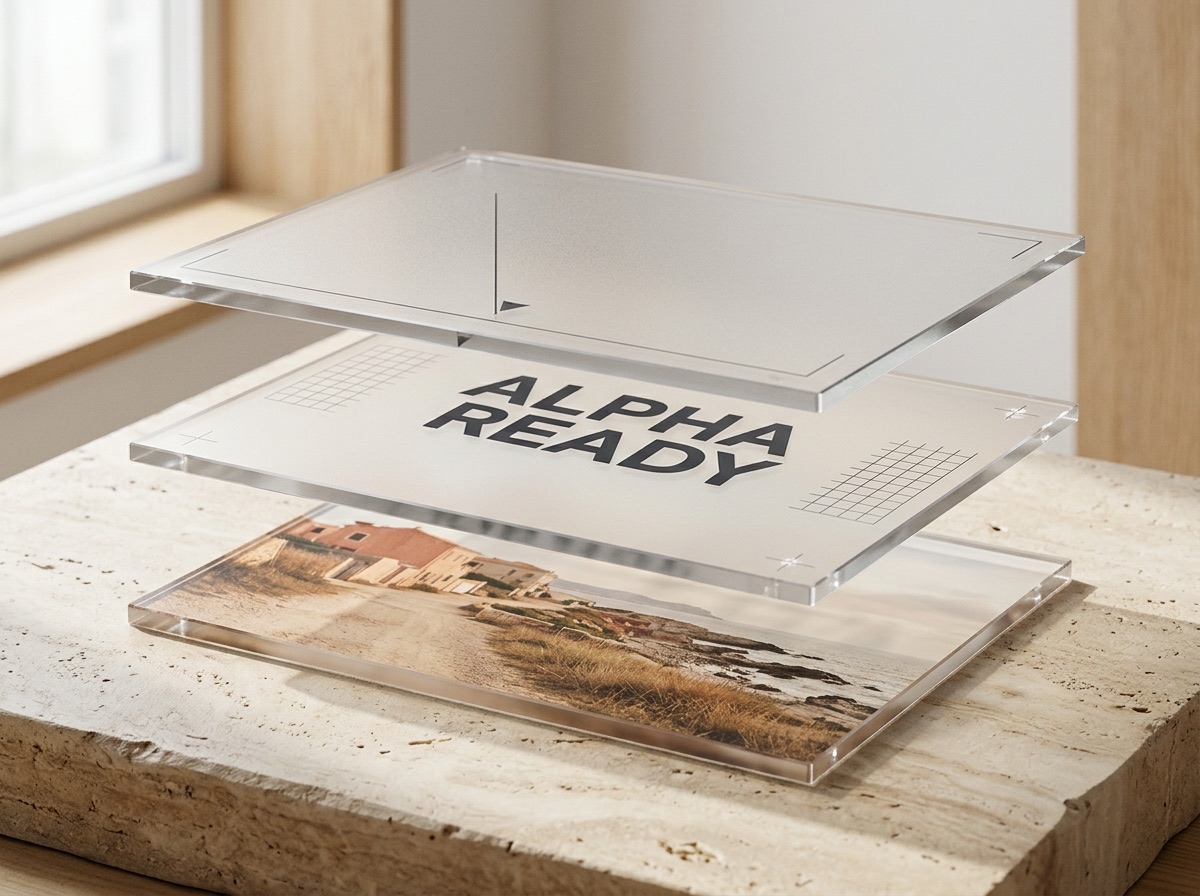
Encode crisp H.264 MP4, transparent WebM Alpha, Green Screen, or PNG frames right on your device.
Select a creator workflow to preview how deterministic 2D motion fits your editing timeline.
Export Free 720p MP4 or GIF clips with a subtle watermark without signing in. Sign up free for starter credits to unlock HD & transparent exports, or choose Pro or one-time credit packs.
Drops straight onto tracks in CapCut, DaVinci Resolve, and modern web players with clean alpha transparency.
Built for Premiere Pro timelines—key out cleanly with Ultra Key or layer crisp PNG frame sequences.
Universal 720p/1080p MP4 video and streaming GIF loops ready for Reels, Shorts, docs, and newsletters.
| Dimension | MotionClip AI Browser Engine | Desktop After Effects | Cloud AI Queues | Ad-Gated Single-Tool Sites |
|---|---|---|---|---|
| Turnaround | ~1.05s local 720p H.264 MP4 export | Minutes to launch, set keyframes & render | 30s–3m server queue per variation | Slow server round-trips & reload waits |
| Privacy & Uploads | 100% in-browser Canvas 2D (0 uploads) | Local files, but heavy desktop install | Uploads prompts, scripts & photos to cloud | Popup ads, tracking scripts & uploads |
| Typography Reliability | Deterministic typography & cutouts, exact frame timing | Exact control, but manual setup every time | Non-deterministic spelling & garbled text | Rigid presets with inconsistent export formats |
| Best For / Reality Check | Kinetic text, counters, split-flaps & editorial overlays | 3D VFX, character rigging & multi-track compositing | Photorealistic generative video B-roll | One-off throwaway clips when quality is secondary |
Our browser code engines focus on fast typography, press cutouts, maps, and creator motion clips. If your shot needs cinema-grade 3D VFX, complex character rigging, or multi-track camera compositing, use After Effects instead.
Clear answers on local browser rendering, NLE transparency, and pricing.
MotionClip AI pairs smart prompt routing with deterministic HTML5 Canvas 2D rendering engines. Your headlines, numbers, and cutouts never suffer from garbled AI text—every frame renders with exact typography and repeatable timing.
For fast kinetic text, newspaper highlights, split-flap boards, number counters, torn-paper cutouts, and browser-native motion clips, MotionClip AI saves you from opening After Effects. For cinema-grade 3D VFX, complex character rigging, or multi-track camera compositing, desktop After Effects remains the right tool.
Transparent WebM Alpha works out of the box in CapCut, DaVinci Resolve, and web players. For Premiere Pro timelines, switch Background Mode to Green Screen for one-click Ultra Key or export Transparent PNG frames.
Need help with Premiere Pro alpha workflows or team exports?
Typical reply within 1 business day
Start free in your browser with zero install, or sign up for starter credits to unlock 1080p and transparent WebM Alpha.